
 Help me choose
Pool Express comparison center
Compare pool products without the guesswork
Build your own side-by-side chart, explore every current pool robot, or open a focused head-to-head with a clear recommendation. Start with fit, then compare the features and ownership costs you will actually notice.
- Up to 3 products side by side
- 21 current pool robots
- 4,950 detailed robot matchups
Your saved comparison
Build a side-by-side product chart
Select products anywhere you see the Compare button. Your choices stay saved while you browse, and the chart brings price, fit, cleaning coverage, controls, weight, and warranty into one view.
- 1Choose a starting pairUse a quick start below or select products while shopping.
- 2Compare the trade-offsScan the full chart or show only the rows that differ.
- 3Save or share itCopy a link that reopens the same product selection.
Your selected products
Nothing selected yet
Start with a popular pool robot matchup
Load a ready-made pair now, then switch either product—or add a third on a larger screen—to make the chart your own.
Curated comparison guides
Choose the level of detail you need
Use the interactive chart to explore the full field, or open a focused matchup when you are already down to two choices.
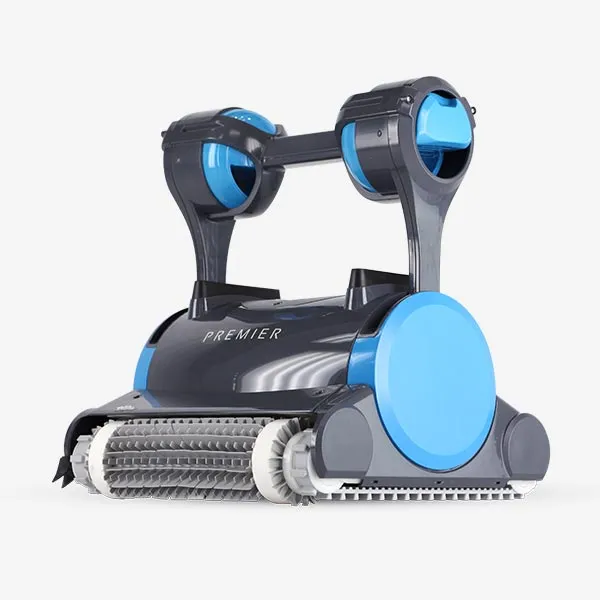
Compare every pool cleaner
Choose any two cleaners for a detailed head-to-head, or switch among three current models in the quick comparison chart.
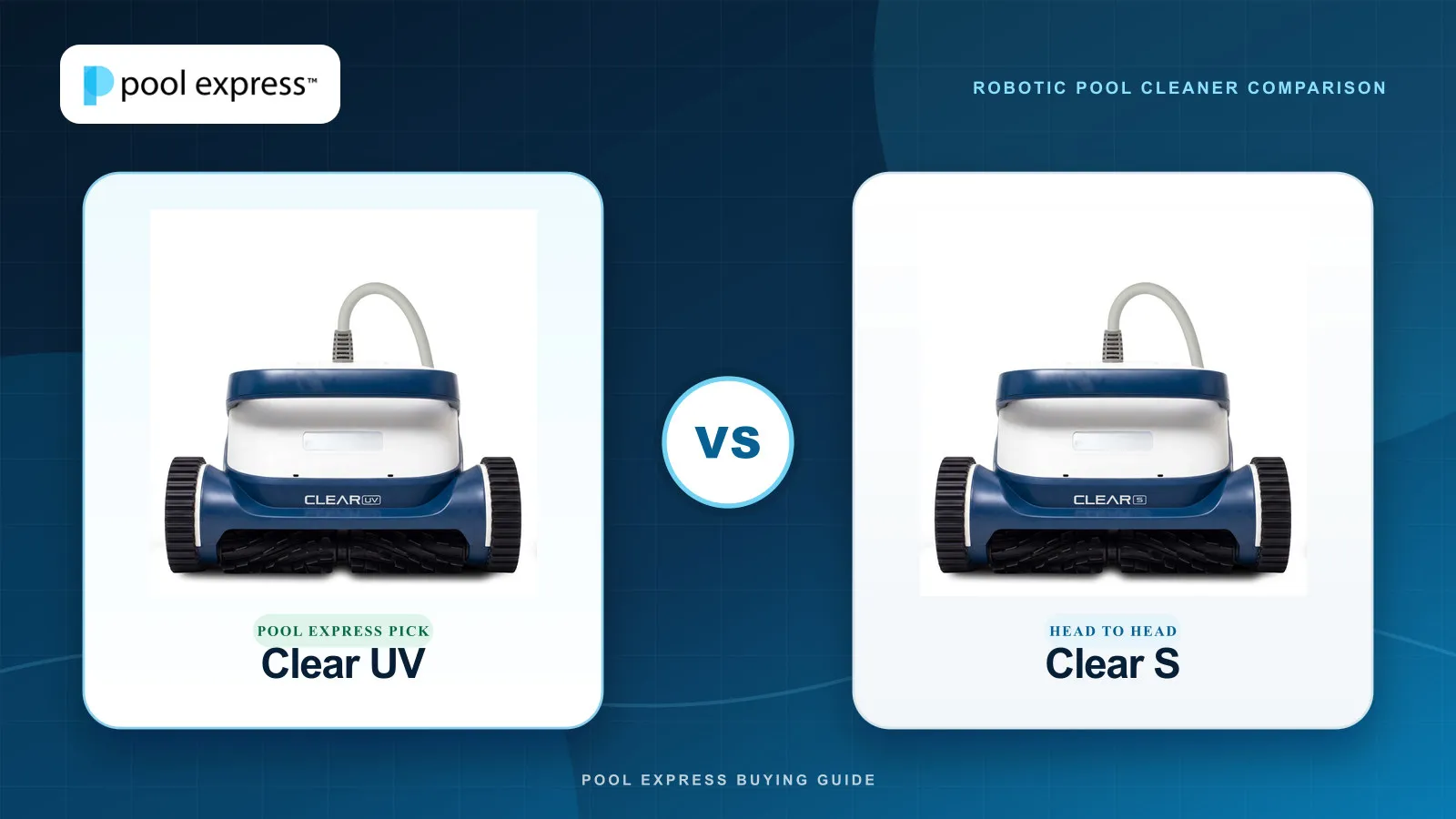
Robot head-to-head library
See each model’s strengths, check-and-X feature rows, complete specifications, and the ProLine, CLEAR, Max-Series, or Wave option Pool Express recommends.
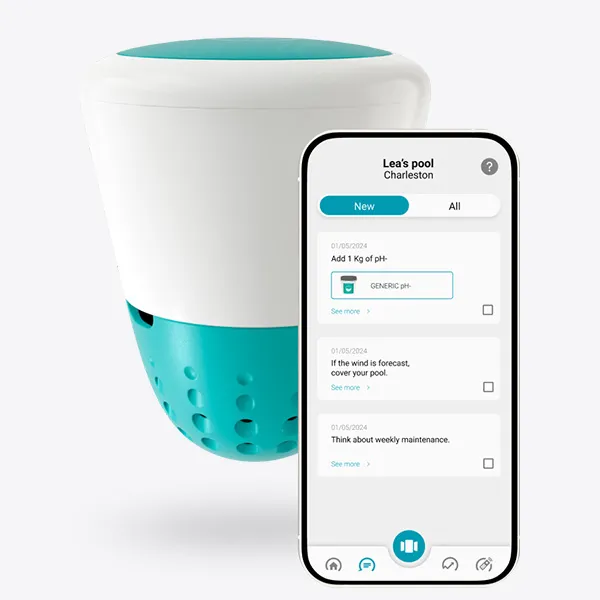
Compare smart water monitors
Compare readings, sensors, subscriptions, consumables, connection, battery, calibration, and the long-term repair path.
Close decisions, answered
Go straight to a popular head-to-head
These focused comparisons explain fit and tradeoffs instead of treating the longest feature list as the automatic answer.
Clear UV vs Clear S
Pool Express pick: Clear UV. Compare Clear UV and Clear S on pool fit, cleaning features, and ownership details.
Dolphin Quantum vs Clear S
Pool Express pick: Dolphin Quantum. Compare Dolphin Quantum and Clear S on pool fit, cleaning features, and ownership details.
Dolphin Premier vs Dolphin Sigma
Pool Express pick: Dolphin Premier. Compare Dolphin Premier and Dolphin Sigma on pool fit, cleaning features, and ownership details.
Dolphin Premier vs Dolphin Quantum
Pool Express pick: Dolphin Quantum. Compare Dolphin Premier and Dolphin Quantum on pool fit, cleaning features, and ownership details.
ICO vs WaterGuru Sense S3
Compare hourly trends and replaceable probes with direct free-chlorine testing and ongoing cassette costs.
ICO vs iopool EcO
Compare direct Wi-Fi, battery life, app features, gateways, subscriptions, and long-term sensor replacement.
ICO vs Crystal Water Monitor
Compare faster readings and paid smart features with subscription-free trends, longer battery life, and replaceable probes.
Compare in the right order
A useful chart answers four questions
Price matters, but only after the product fits the job. These are the four groups our comparison tools put in front of the feature count.
Does it fit the pool?
Check pool type, maximum length, surface, plumbing or power requirements, and the area the product is designed to cover.
Will it solve the problem?
Match cleaning coverage, filtration, flow, heating output, or sensor readings to the actual job instead of buying unused capacity.
What will ownership feel like?
Weight, scheduling, app control, maintenance, consumables, cable handling, and replacement parts affect every week of ownership.
What does the price include?
Compare included accessories, warranty, recurring costs, current stock, and condition—not just the number at the top of the page.
How the tools work
Comparison questions
Your custom chart is designed for fast product research. The editorial guides go further when the deciding trade-off needs context.
How many products can I compare?
You can compare up to three products on larger screens and two on a phone. Remove a product at any time to switch in another model.
Will my comparison disappear when I browse?
No. Your selection is saved in this browser while you move between product and category pages. You can also copy a link to reopen the same products later.
Why are some specifications shown as a dash?
A dash means the manufacturer has not published a reliable figure. We leave an unknown value unknown rather than turning it into a red X or an invented disadvantage.
What if two products still look too similar?
Open a detailed head-to-head or ask a Pool Pro. Pool size, surface, debris, existing equipment, and how often you want to maintain the product usually break the tie.
Still between two choices?
Tell us what the product needs to do
A Pool Pro can help separate a meaningful upgrade from a feature you are unlikely to use.